Create Stunning Pixel Art with FLUX.2
Instantly transform your visions into retro masterpieces with the FLUX.2 pixel art generator – a powerful pixel art maker that brings 8-bit dreams to life.
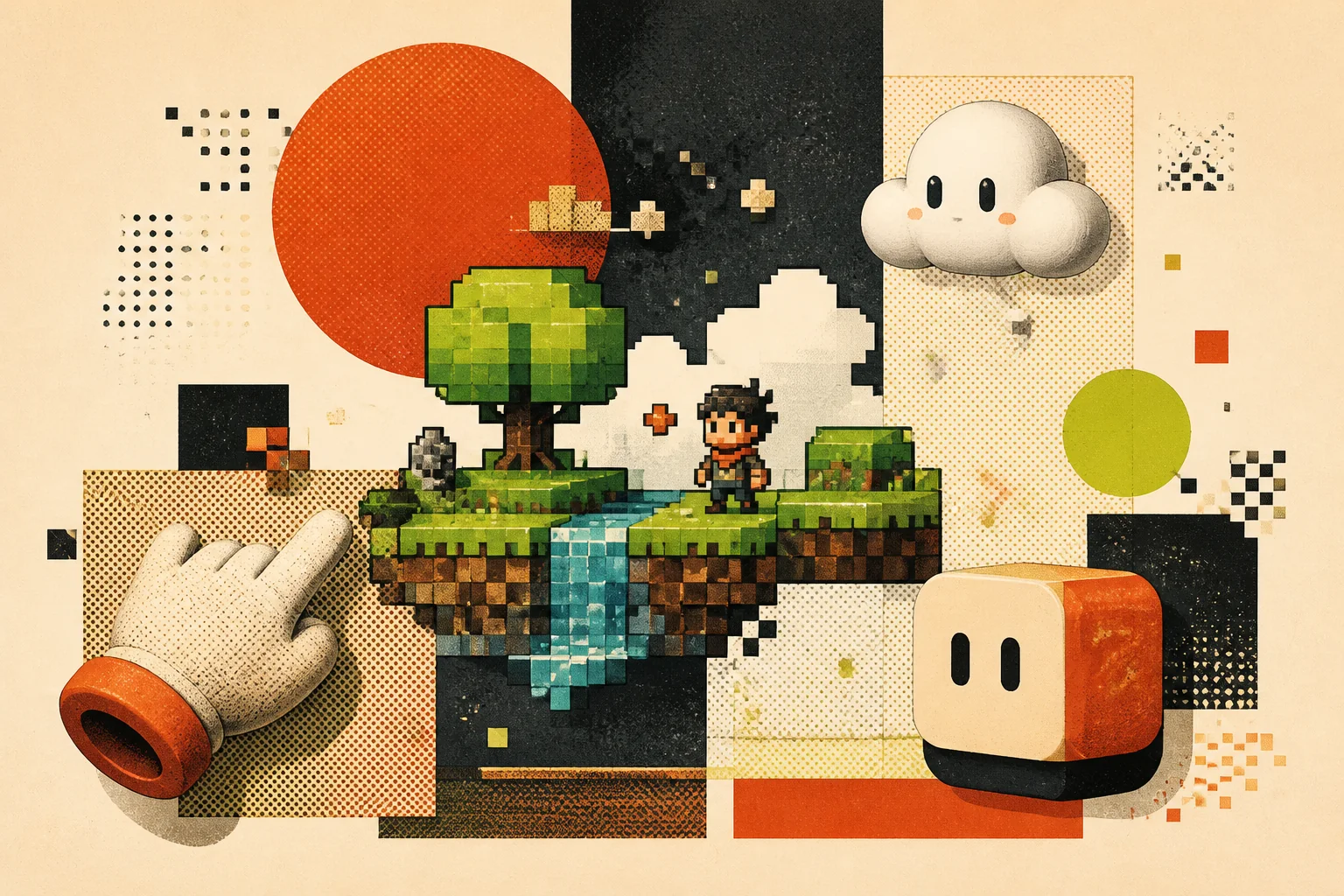
Key Features of the FLUX.2 Pixel Art Generator
Harness the power of AI for effortless pixel art creation.
Instant Pixelization
Transform any image into pixel art in seconds. Experience the magic of instant 8bit art generator capabilities with FLUX.2.
Customizable Resolution
Control the level of pixelation to achieve the perfect retro look. Adjust resolutions and create the 8 bit image maker result you are envisioning..
Color Palette Control
Choose from a variety of classic 8-bit color palettes or create your own. Achieve authentic retro aesthetics without complexity.
Multi-Reference Input
Maintain stylistic consistency across multiple pixel art creations, referencing up to 10 images. Create consistent pixelated art every time.
Professional-Grade Control
Fine-tune your pixel art with direct pose control and precise brand color matching. A professional retro pixel art generator at your fingertips.
Enhanced Prompt Following
Get exactly the pixel art you envision with improved adherence to complex prompts. Works as a professional 8 bit image maker for all your needs.
How to Create Pixel Art with FLUX.2
Simple steps to turn your ideas into 8-bit reality.
Upload Your Image
Start by uploading the image you want to transform into pixel art. Use this pixel art maker to see the magic happen.
Customize Settings
Adjust the resolution, color palette, and other settings to achieve your desired look. Control every detail to fine-tune your 8-bit image.
Generate and Download
Click generate and download your high-resolution pixel art. It's that easy to create pixelated art. Share your 8bit art now!
Unleash Your Creativity with the FLUX.2 Pixel Art Generator
From game assets to social media graphics, the possibilities are endless.
Game Development
Create authentic 8-bit sprites and backgrounds for your retro-style games. Design your entire game worlds with a pixel art maker in seconds using FLUX.2.
Social Media Graphics
Add a touch of nostalgia to your social media posts with eye-catching pixel art. Stand out and create pixelated art that engages your audience.
NFT Creation
Generate unique pixel art NFTs for the burgeoning digital art market. Mint unique collectibles with the help of our pixel art maker.
Service policy
Trust the workflow, not invented numbers.
Reference files move through owned storage before APIMart receives public URLs.
Failures release the reservation; successful jobs settle to the returned cost.
Temporary provider results are copied to product storage after completion.
Frequently Asked Questions About the FLUX.2 Pixel Art Generator
Get answers to common questions about our AI-powered pixel art tool.
Related Tools
Explore more AI tools in Art Style Tools and beyond
More in Art Style Tools
You May Also Like
Ready to Create Your Own Pixel Art?
Unleash your creativity and start generating stunning pixel art today!